Announcing the Loopstack Community Registry
Announcing the Loopstack Community Registry
Introducing the Loopstack Community Registry - a curated, open library of automations, tools, workflows, agents, and reusable components built by the community, for the community.
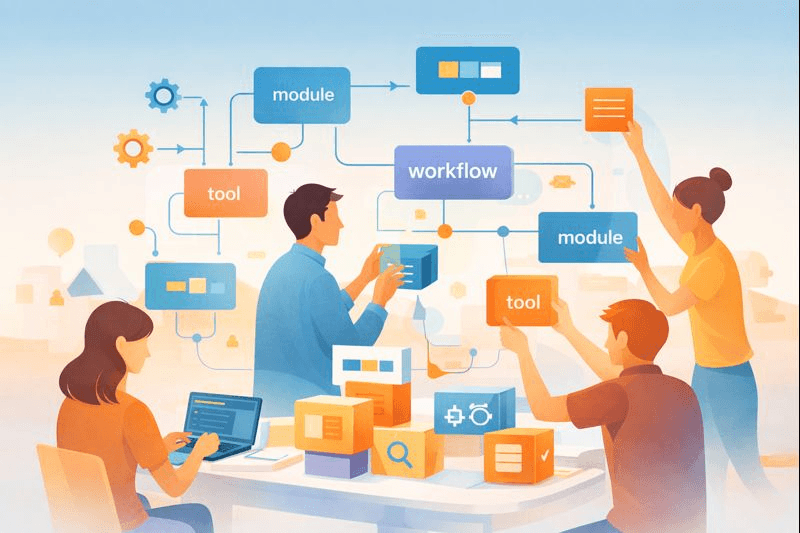
Today we’re excited to announce one of the most important steps in the evolution of Loopstack: the Loopstack Community Registry. It’s a curated, open library of automations, tools, workflows, agents, and reusable components built by the community, for the community.
What is the Community Registry?
The community registry is a public, searchable directory of Loopstack-compatible packages published via NPM and reviewed by the Loopstack team.
It’s a place where you can:
- Discover production-ready workflows and tools
- Reuse well-tested, modular NestJS-based components
- Share your own tools and solutions with others
- Learn from real-world examples built by the community
- Collaborate on best practices and new automation patterns
Think of it as a curated library designed to jumpstart ideas and accelerate experimentation.
Why we built it
Building AI automation from scratch can be time-consuming, especially when you’re prototyping, or exploring a new domain. With the Community Registry, you don’t have to start from zero. Browse packages on loopstack.ai/registry, install with npm, and see how others create agents or integrate external APIs. The Community Registry helps you turn your Loopstack creations into reusable modules that help others. As more developers contribute, the Registry becomes more powerful and certainly the foundation of a collaborative ecosystem.
What you’ll find inside
Registry entries link to open source contributions hosted in github repositories. Some tools and common functionality is additioanlly published as NPM packages. Typically the registry entries fall into the following categories:
- Workflows - multi-step automations for common use cases
- Tools - reusable utilities and services
- Modules - complex or bundled functionality built from multiple components
- Examples - examples showing different patterns and use cases
All contributions are open source and published to npm as @loopstack/* packages. Initially submitting to the community registry will be in closed beta access. For information on how to submit an entry, contact us on Discord.
How installation works
Every entry is an npm package. Install from your Loopstack project:
npm install @loopstack/<package-name>Modules and tools — import the NestJS module and register workflows or tools on your workspace. Update with npm update when you want upstream changes.
Examples — install from npm and follow the README; each entry links to its source on GitHub.
See the Registry guide for details.
Contributing to the Registry
Anyone can contribute. Whether it’s a simple helper, a full automation, or a niche workflow - it all makes Loopstack better. Your ideas, tools, and workflows will help shape the next generation of AI automation.
Reach out to us for early access!
Get ready
Loopstack has always been built with a developer-first philosophy. Now, we’re opening the doors to a shared space where everyone can contribute and benefit, from beginners to experts, from hobbyists to teams shipping production AI workflows.
Welcome to the Loopstack Community Registry.
Your Loopstack Team